Deep Rock Galactic Map: Essential Navigation Tips
Master the Deep Rock Galactic map to quickly navigate caves and locate objectives. Efficient DRG map use prevents getting lost and ensures mission success, even in uncharted Rogue Core depths.
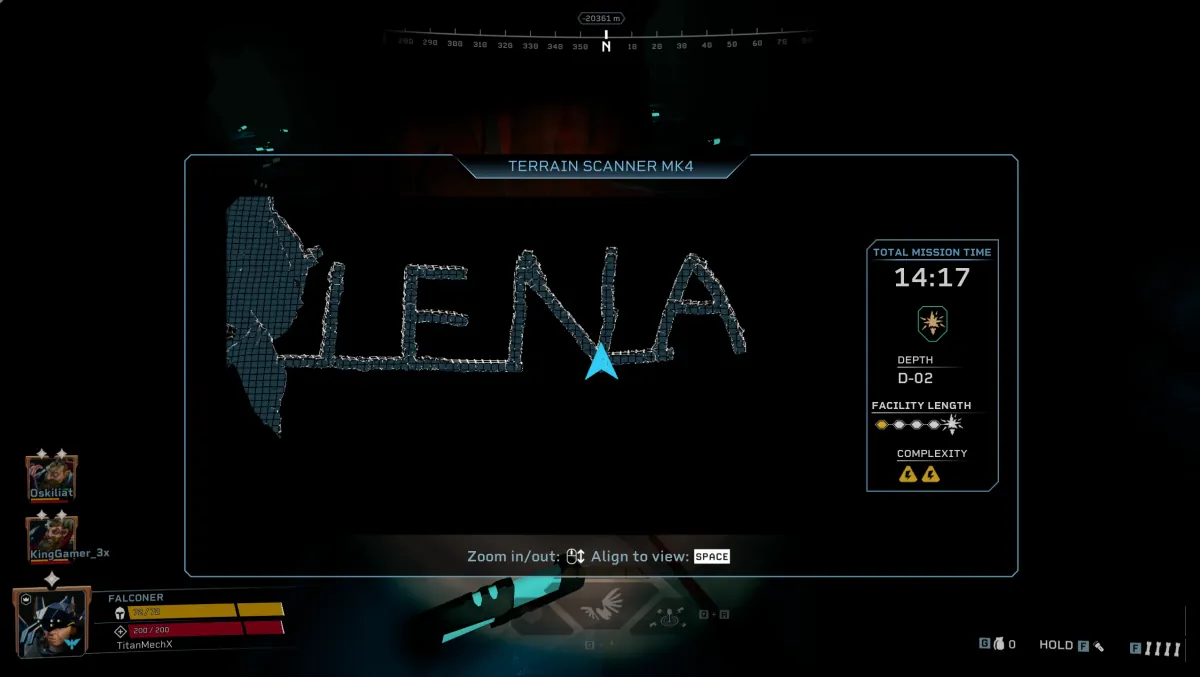
Combat Summary
- Constant Map Checks: Hit ‘M’ regularly to orient yourself and understand the cave layout, crucial for effective Cave Navigation.
- Identify Objectives: Learn key icons for primary objectives, secondary objectives, and vital resources like Nitra to plan your route efficiently.
- Team Coordination: Use the map to ping hazards, point out resources, and guide your team through complex tunnels.
Even a veteran Miner can get turned around on Hoxxes IV, and Management certainly won’t send a search party. Understanding your DRG Map is non-negotiable for survival and efficient resource extraction. Forget relying solely on your laser pointer; the map provides the tactical overview necessary to anticipate threats and never get lost again, especially when deep into uncharted territory.
Essential Map Controls
The ‘M’ key is your window to the cave. Once open, you can right-click and drag to rotate the map, aligning it with your current facing for intuitive navigation. The scroll wheel zooms in and out, helping you see fine details or the broader tunnel network. Get used to these controls; quick, fluid map checks are a cornerstone of effective Mission Tactics.
Reading the Terrain
The map displays a 3D representation of the cave, showing tunnels, open caverns, and critical elevation changes. Identify chokepoints, potential dead ends, and vertical drops before you plunge into them. Yellow indicates current exploration, while red often signals unexplored or dangerous zones. Mastering this visual language is key to Cave Navigation and avoiding ambushes.
Locating Objectives and Resources
All primary and secondary objectives, as well as critical resources like Nitra and Gold, have distinct icons on the map. Use these to plot your most efficient path. Don’t waste time wandering aimlessly; the map guides you directly to what you need, minimizing exposure to Glyphid swarms.
Team Coordination with the Map
The map is a powerful communication tool. While the laser pointer is good for immediate targets, using ‘Ctrl + M’ (ping key while map is open) allows you to place persistent pings on the map itself. This is invaluable for marking escape routes, alerting teammates to large resource veins in other tunnels, or indicating a planned defensive position. Smart use of pings enhances overall Mission Tactics and team cohesion.
Rogue Core Implications
In Rogue Core Survival expeditions, the importance of the map skyrockets. With unknown anomaly zones, volatile terrain, and unpredictable threats, real-time map assessment is vital for planning your progression, identifying potential extraction points, and avoiding areas too dangerous to breach. Think of it as your most reliable scout in the unknown.
Common Mistakes
- Infrequent Map Checks: Only opening the map when already lost is a recipe for disaster. Glance at it regularly, especially after entering new areas.
- Ignoring Elevation: The map shows depth. A flat path on the 2D plane might be a sheer drop-off in 3D. Always account for Z-axis changes.
- Not Rotating the Map: Keep the map oriented to your direction of travel. This dramatically reduces mental strain and confusion.
📸 Field Visuals

Continue Reading
Don't deploy without all the intel. Check out this related file:
Driller Satchel Charge Guide: Avoid Friendly Fire, Maximize Swarm Clear →